Lee Murray
Microsoft
Open-plan studios are good for collaboration and bad for deep work. There’s no shared signal for “heads-down right now”: headphones depend on a colleague’s judgement, and a calendar block is invisible to anyone walking past.
As part of the broader DesignOps programme for D3 Studio at Microsoft’s Developer Division, we wanted something ambient, non-digital, and zero-effort to operate. A secondary motivation: in a division full of engineers, a fleet of custom circuit boards across the studio floor quietly made the point that designers build things too.
I scoped and oversaw the project; Lee Murray, one of my direct reports on the team, took it from concept to a fabricated fleet.
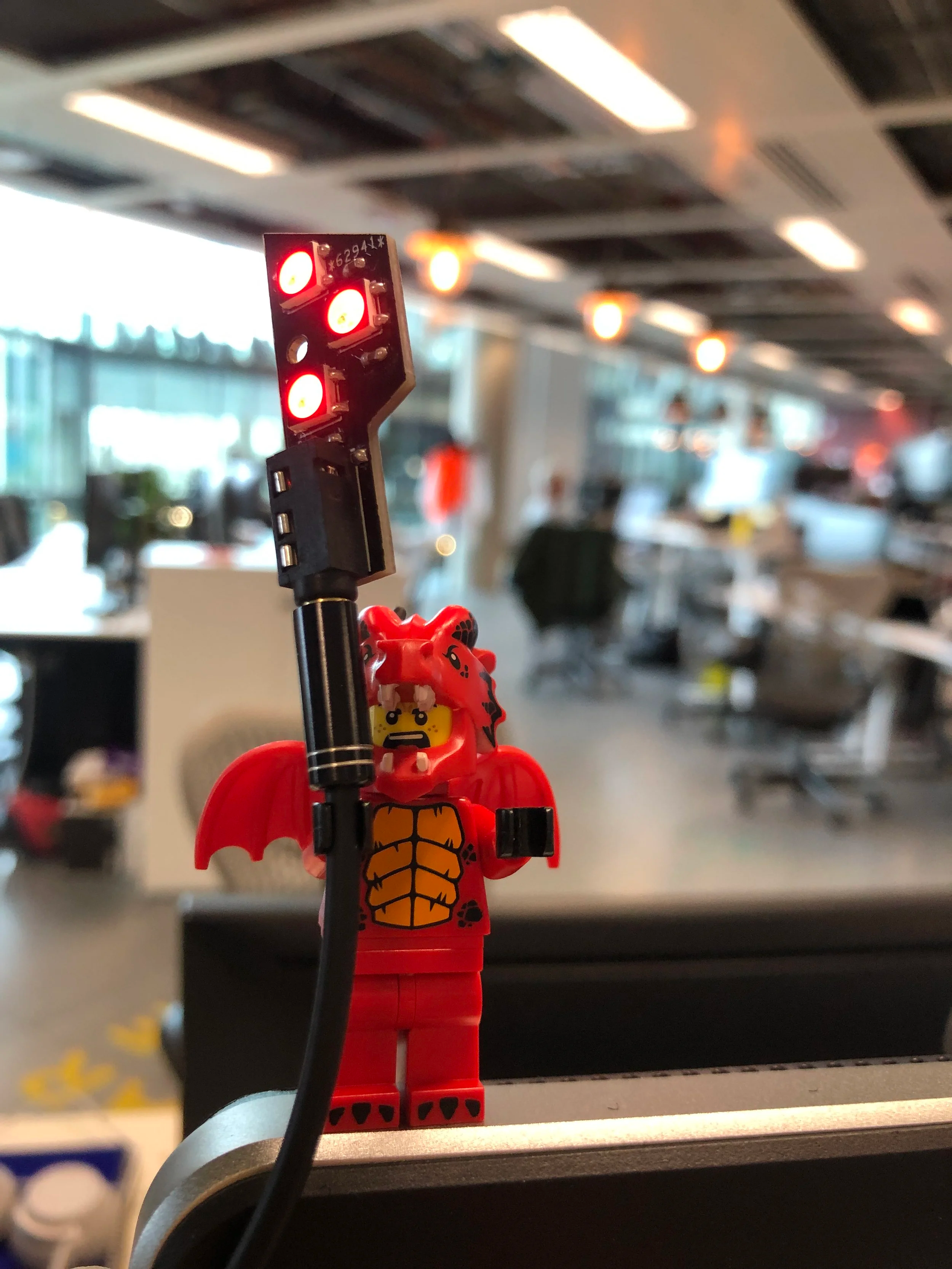
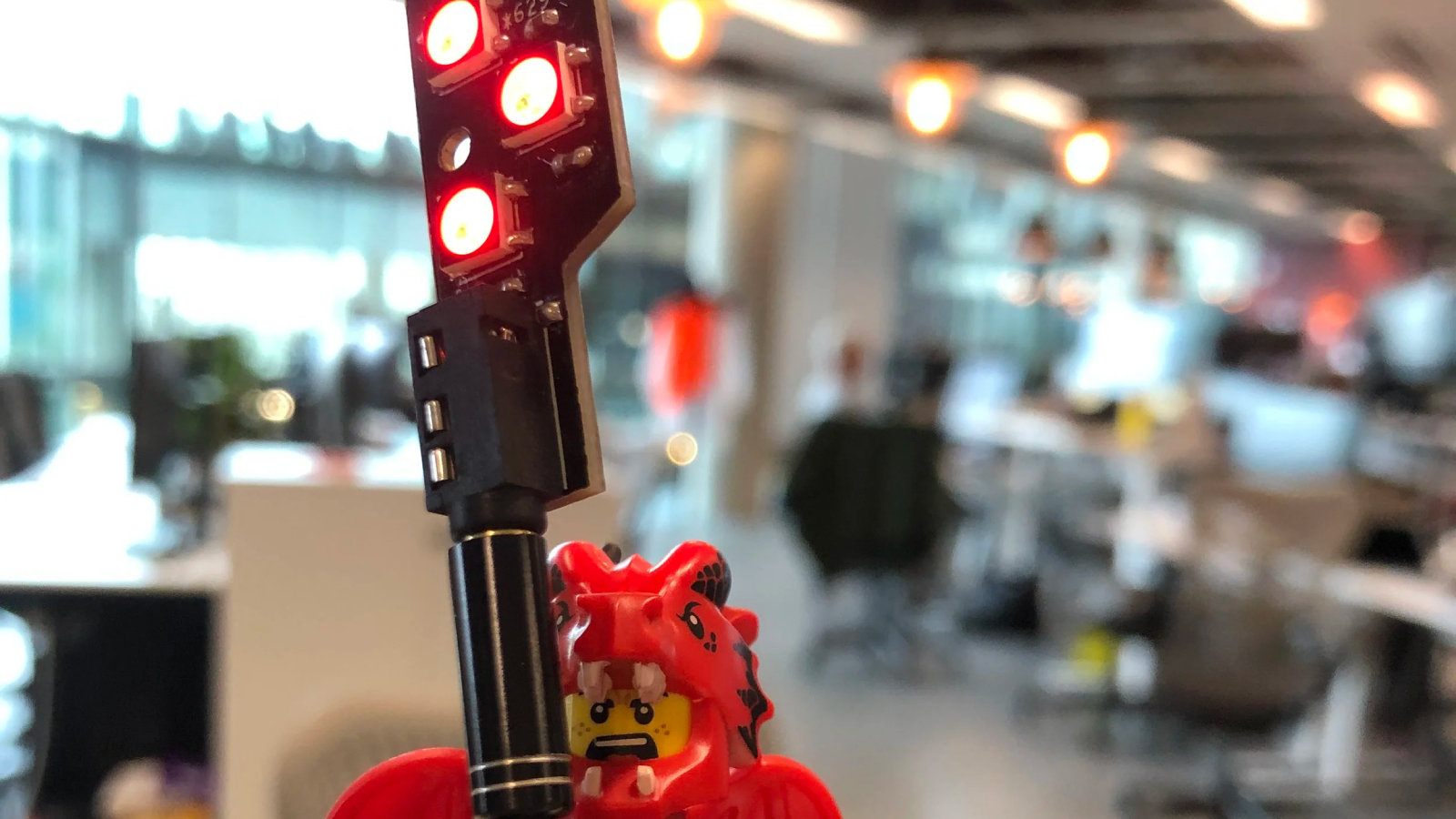
Lee designs circuits as fluently as he designs interfaces. He drew the custom PCBs, had them manufactured by DirtyPCBs, and assembled the fleet in-house. The boards keep exposed electronics to a minimum and integrate graphics and instructions directly onto the PCB itself, using solder mask colour, silkscreen printing, and the board outline as the finishing materials.
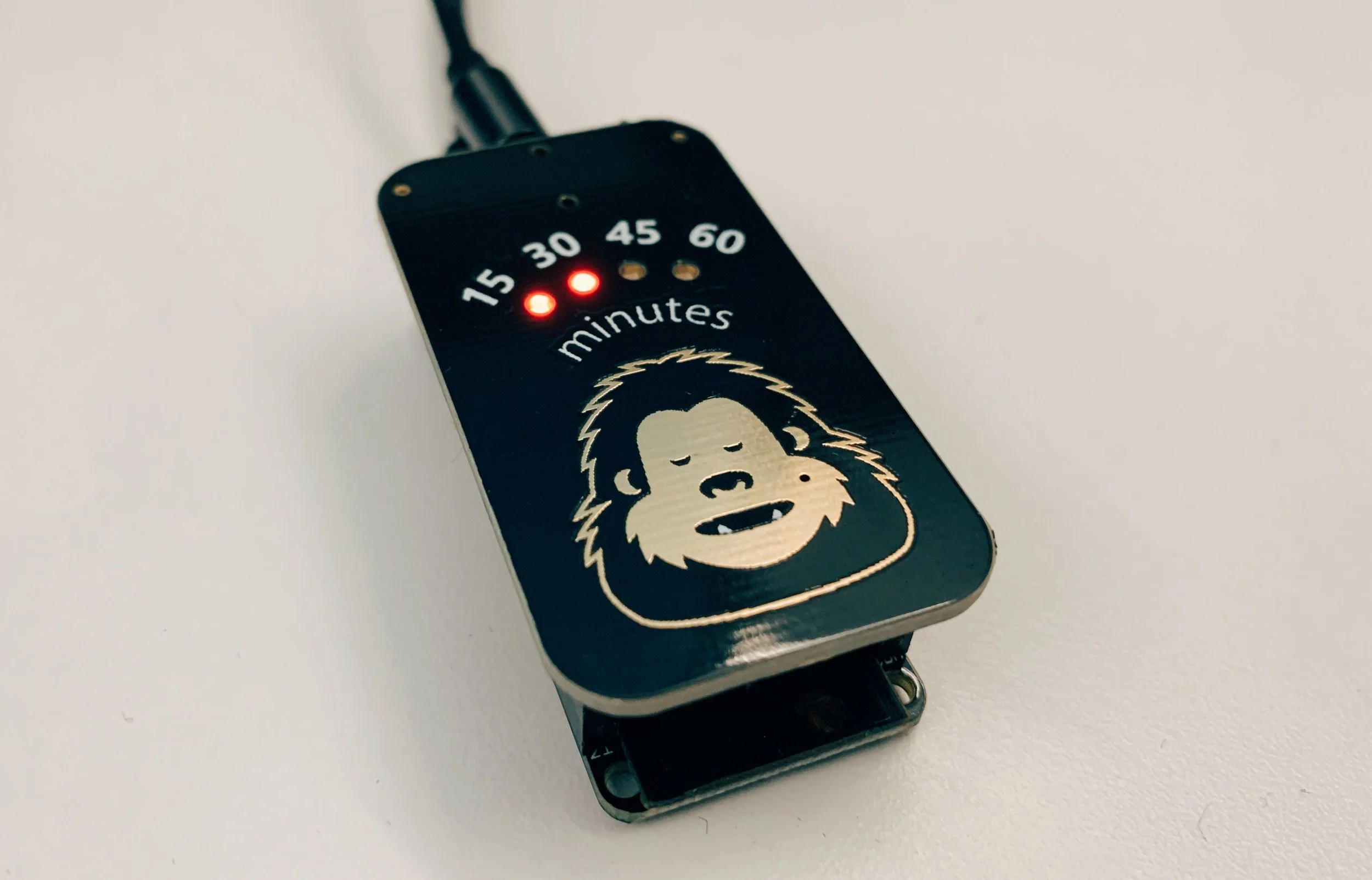
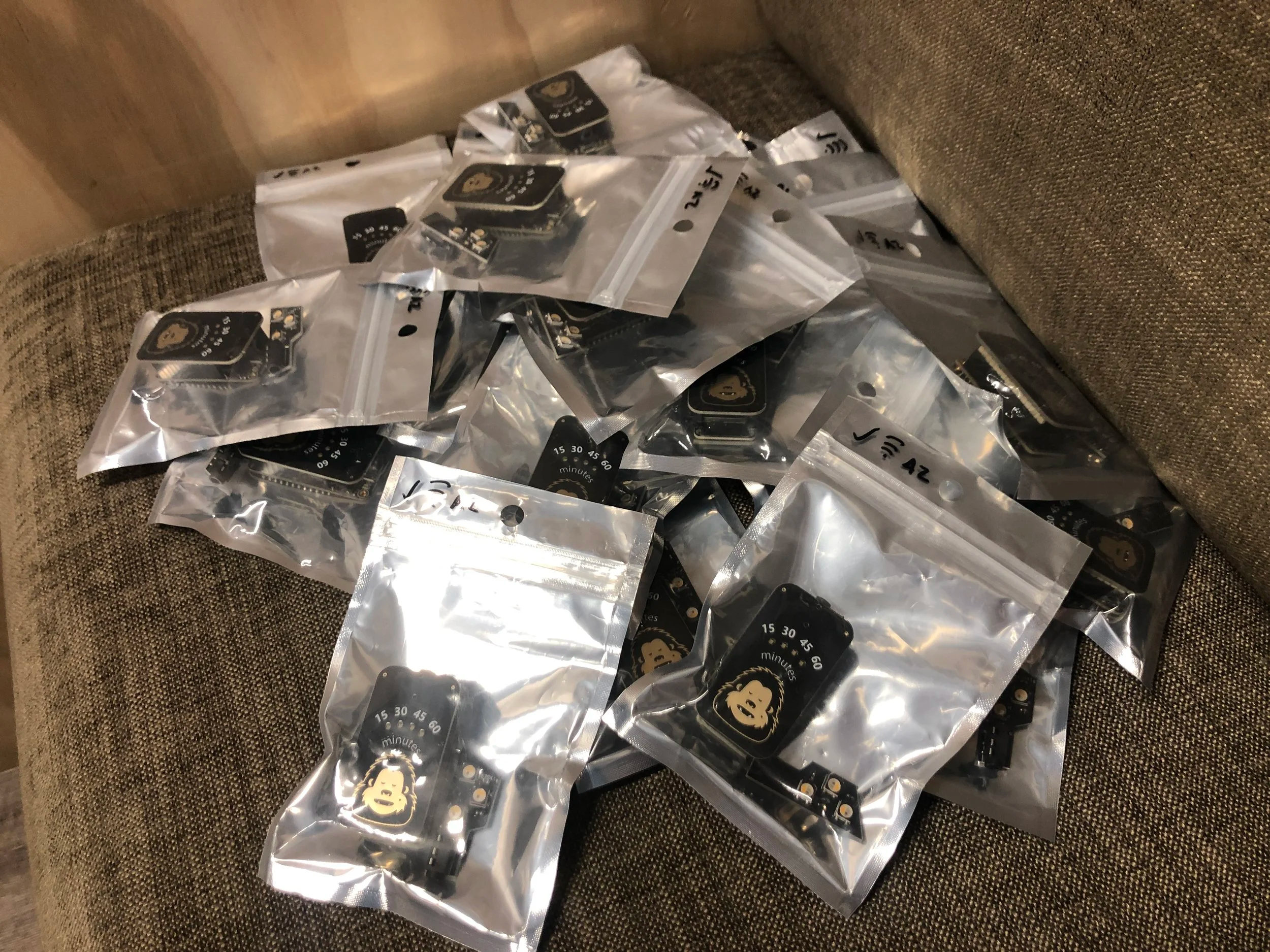
Each device pairs a custom PCB with an Adafruit Huzzah32 Feather running on Arduino / ESP32, leaning on off-the-shelf hardware to keep the build reproducible. The input and output circuits connect via 3.5mm audio cables, so the units are modular. The input face carries a yeti mascot: touch it to pick a focus duration, with LED indicators at 15, 30, 45, and 60 minutes. Enclosures are optional; the boards work bare.
Devices optionally connect to the internet, broadcasting state to a central Azure Function. Any product can consume the feed; the Vegas ambient display used it to pull real-time desk-level presence into its building-wide panels with no active input from the team.
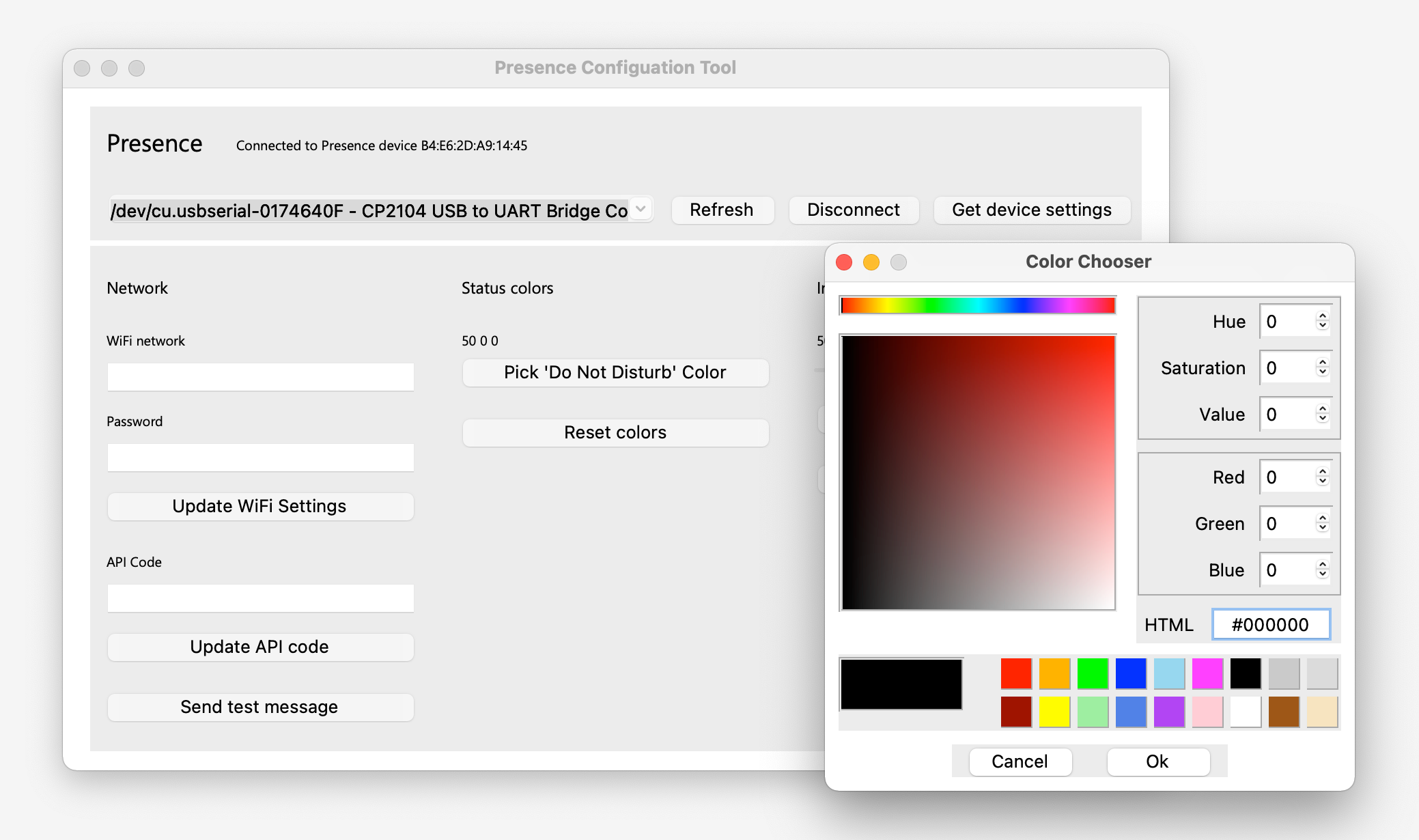
A Python configuration tool let each team member set WiFi credentials, choose the colour of their Do Not Disturb LED, and tune the timer indicator brightness.
The project ran to a full production batch. Dozens of units were individually packaged and distributed across the D3 Studio team, enough to make the floor genuinely instrumented rather than a one-desk prototype.
The indicators ran through late 2019 and into early 2020. When Microsoft moved to remote-first working in February 2020, the premise of an open-plan desk indicator vanished overnight. With no reliable in-office schedule, the project wound down with the office.